Devices in this demo
27
5 device categories
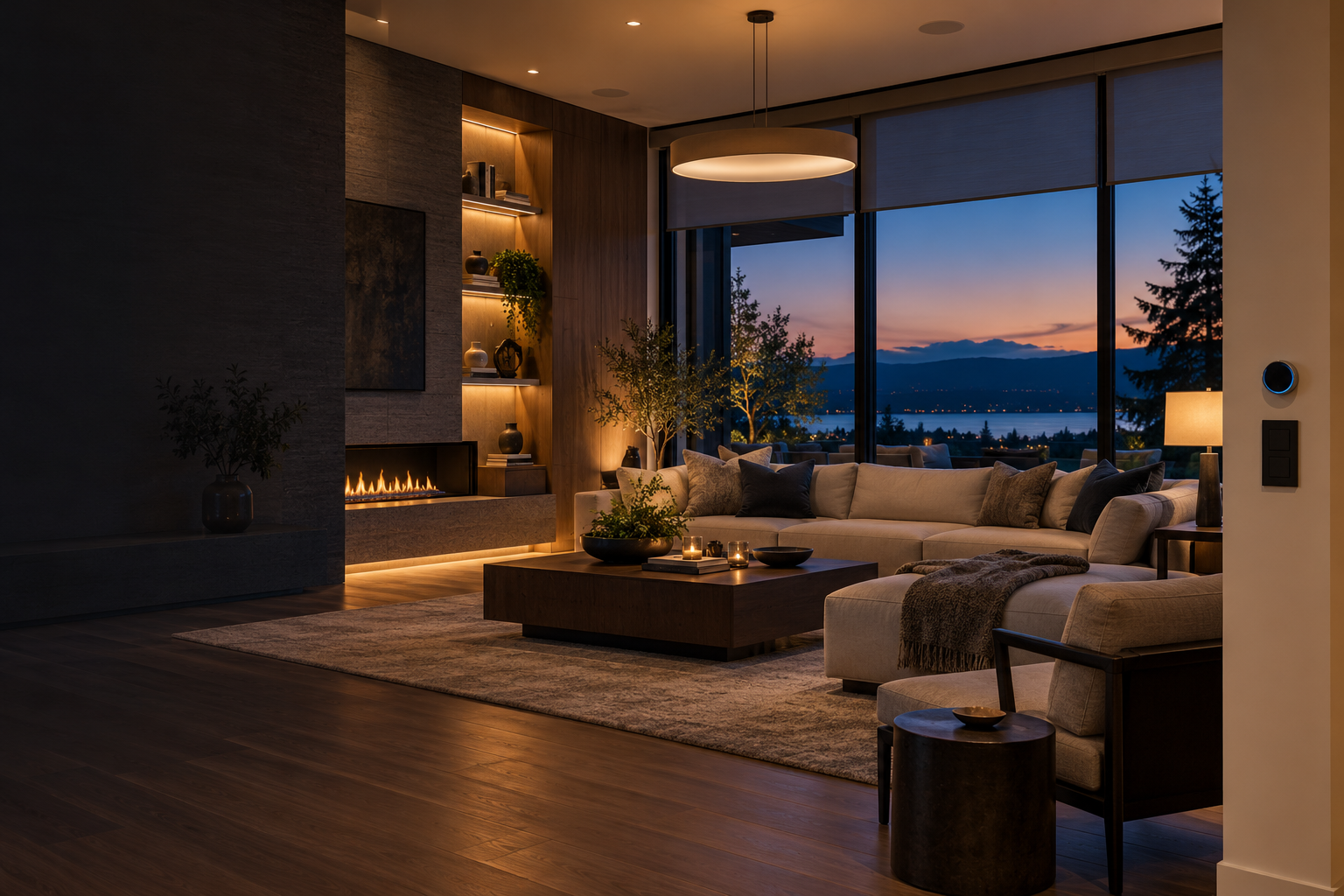
See room controls, device status, energy patterns, and household scenes in one calm command center.
Sign in to the Garet James smart home integration preview.
A live-style overview built with simulated device data. No home systems are connected.
Tap a switch to change the simulated display state
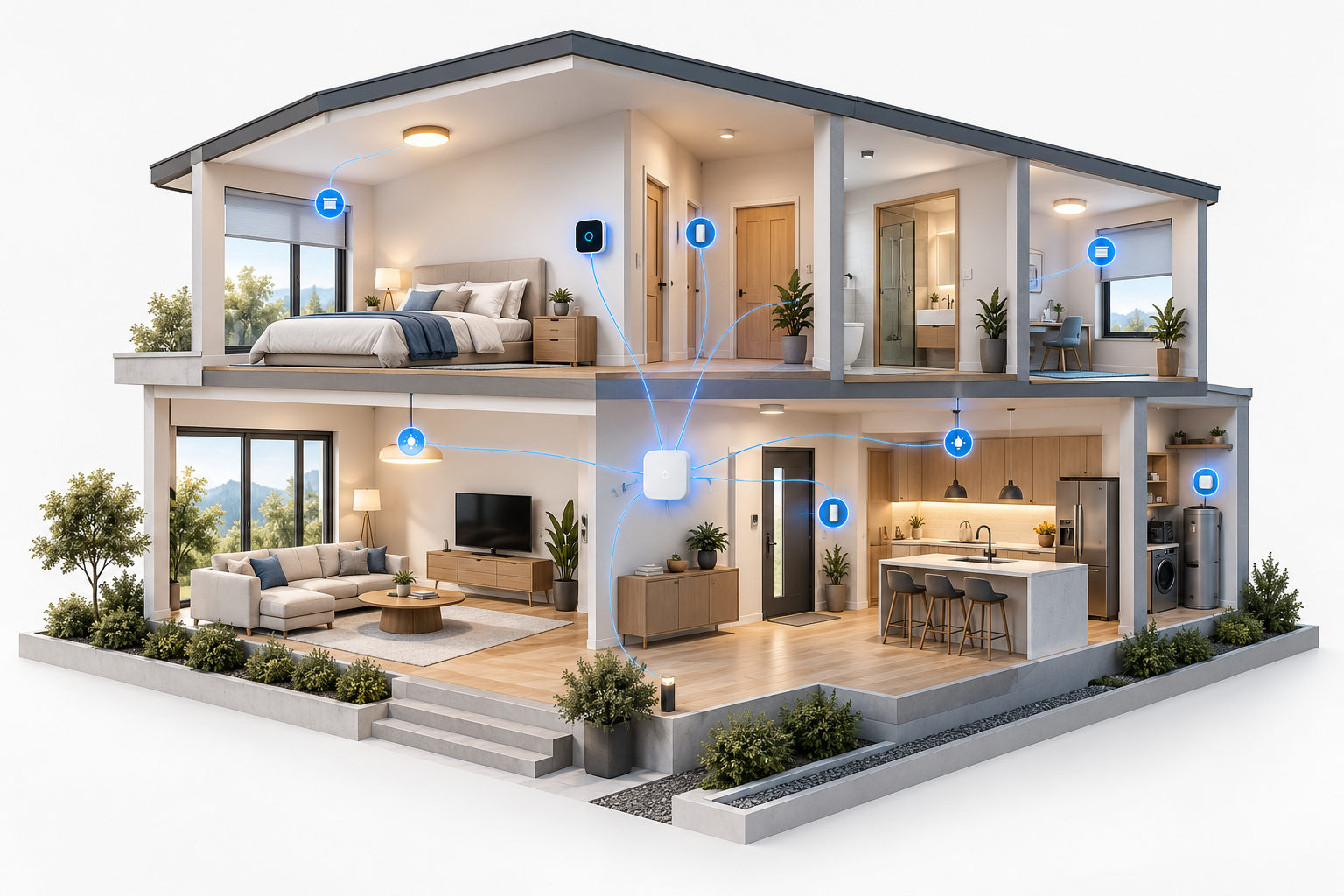
Illustrative room and device map
Hourly demo estimate · today
Demo status across your setup
Illustrative events
Room-level controls shown as an interactive simulation.
Sample devices by category and simulated status.
Manufacturer and protocol compatibility to be confirmed during discovery
| Device / group | Room | Category | Sample state |
|---|---|---|---|
| Ceiling lights | Living room | Lighting | Online |
| Climate controller | Living room | Climate | Online |
| Window shades | Living room | Shades | Review map |
| Island pendants | Kitchen | Lighting | Online |
| Entry contact sensor | Entry | Sensors | Online |
| Climate controller | Primary suite | Climate | Online |
Preview routine logic and review points before integration.
At sunset, set entry lights and living-room scene. Demo trigger only.
Dim selected zones and lower shades after manual activation.
Apply the approved comfort schedule by time and room.
Prompt a review of selected lights when Away scene is chosen.
Optional scene prepared for manual launch by an authorized user.
Candidate rule to review once actual device and utility data are known.
Illustrative energy profile for planning dashboard needs.
Example chart · not measured at Garet's home
Discovery view for the systems already installed in Garet's home.
Discovery before any real access is requested
First inventory existing hubs, brands, protocols, and supported local APIs. Then confirm desired controls, account ownership, permissions, network boundaries, manual overrides, and fallback behavior. No credentials or device commands are used by this preview.
This form updates only the local preview. No device or external account is changed.